Discord HypeSquad: Houses, Badges & How to Join
Everything you need to know about Discord's HypeSquad program — the three houses, what the badges mean, and how to join in 2026 after Discord removed the in-app quiz.
Update — May 2026: Discord removed the HypeSquad tab from User Settings earlier this year. The quiz is gone; there's no in-app way to join a house anymore. The badges still work and the API endpoint behind the old quiz is still live, so the badge is still obtainable — just not through Discord's own UI. See how to get the HypeSquad badge in 2026 for the working methods, or the HypeSquad Switcher tool for a one-click version. The sections below describe the houses and history; the "How to Join" section reflects the post-2026 reality.
What Is Discord HypeSquad?
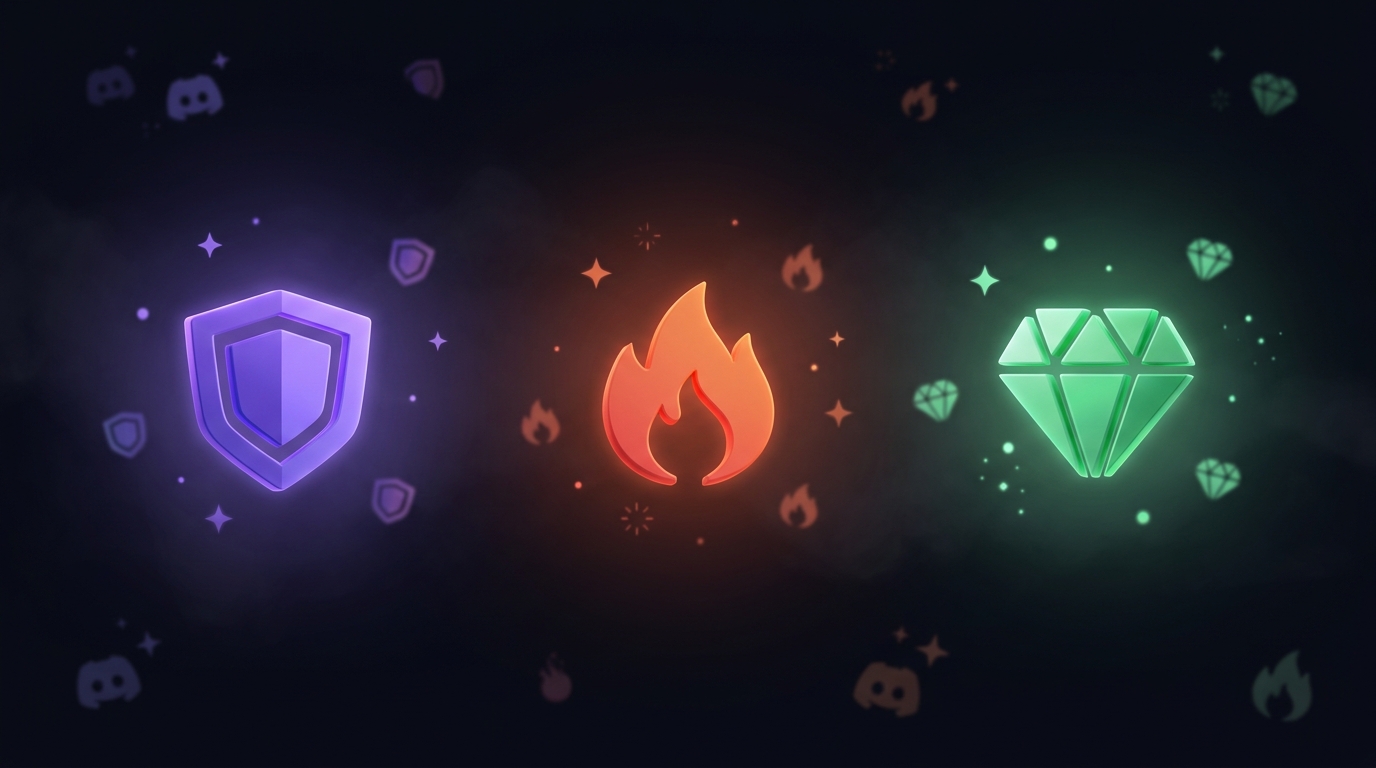
HypeSquad is Discord's community program that sorts users into one of three houses — Bravery, Brilliance, or Balance. It's inspired by the house systems from franchises like Harry Potter, giving users a group identity and a badge on their profile.
The program is free and available to every Discord user. Joining takes about 30 seconds: answer a short personality quiz in Discord's settings and you're assigned to a house. That's it. You get a badge, bragging rights, and a vague sense of belonging to something.
HypeSquad has evolved since its launch. The original HypeSquad Events program — where real people attended real events — has been discontinued. What remains is the online quiz and the house badges.
The Three Houses
HypeSquad Bravery
Color: Purple Badge: Purple shield icon
Bravery is described by Discord as the house for people who are bold, passionate, and willing to take risks. The quiz routes users here if their answers lean toward adventurousness, spontaneity, and confidence.
In practice, house assignment is based on a simple personality quiz and the distinctions are lighthearted. Bravery tends to attract users who self-identify as outgoing or action-oriented.
HypeSquad Brilliance
Color: Orange Badge: Orange shield icon
Brilliance is positioned as the house for intellectual, curious, and analytical users. Quiz answers that favor logic, strategy, and thinking before acting lead to a Brilliance assignment.
Brilliance members often joke about being the "smart house" — though the quiz is short enough that the sorting is more personality-suggestive than scientifically rigorous.
HypeSquad Balance
Color: Green/Teal Badge: Green shield icon
Balance is described as the house for calm, collected, and supportive users. Quiz answers that prioritize harmony, cooperation, and stability lead here.
Balance is often cited as the most popular house in online polls, though Discord hasn't published official statistics on house membership sizes.
How to Join HypeSquad (2026 update)
The in-app HypeSquad quiz was removed from Discord in 2026. The tab that used to live under User Settings → Connections → HypeSquad — with the personality quiz and the leave button — is gone on every Discord client. New users no longer have a UI path to join a house.
The badges themselves and the API endpoint that powered the quiz both still work. To join a HypeSquad house in 2026, you have to call that endpoint directly. There are three working methods:
- The HypeSquad Switcher bookmarklet on discord.dog — drag it to your bookmarks bar, click it on discord.com, pick a house. One click. See the HypeSquad Switcher tool page.
- Discord's browser DevTools console — paste a small
fetch()snippet that callsPOST /api/v9/hypesquad/online. See the how to get the HypeSquad badge in 2026 guide for the exact snippet. - curl from a terminal — same endpoint, your Discord token in the
Authorizationheader,{ "house_id": 1|2|3 }in the body.
All three methods are functionally identical — they make the same single API call the old quiz made. Discord didn't deprecate the endpoint, only the UI.
Changing Your House
Switching is the same call — POST /api/v9/hypesquad/online with a new house_id. The endpoint overwrites your current house atomically; you don't need to leave first. The discord.dog HypeSquad Switcher handles this with a single click; for the manual versions, see how to change your house without the quiz.
There's no cooldown or limit on switching, but the endpoint is rate-limited like any Discord API. Don't loop it.
Leaving HypeSquad
The "Leave HypeSquad" button used to live in the same settings tab. It's gone too. The DELETE endpoint behind it — DELETE /api/v9/hypesquad/online — still works. The HypeSquad Switcher includes a "Remove HypeSquad badge" button; for the technical version, see how to remove your HypeSquad badge in 2026.
The HypeSquad Badge
Each house has a distinct badge that appears on your Discord profile:
Try it yourself — no login needed
Paste any Discord user ID, username, or invite link at discord.dog. Full profiles, live presence, and server previews in seconds.
Open discord.dog| House | Badge Color | Badge Shape |
|---|---|---|
| Bravery | Purple | Shield with sword |
| Brilliance | Orange | Shield with diamond |
| Balance | Green/Teal | Shield with scales |
The badge appears alongside other badges on your profile — Nitro, Early Supporter, Active Developer, etc. It's one of the easiest badges to obtain since it only requires answering a quiz.
On discord.dog, HypeSquad badges are displayed on every profile that has one. Visit discord.dog/{userId} to see a user's full badge collection, including their HypeSquad house. See the complete badges guide for details on every Discord badge.
HypeSquad Events (Discontinued)
The original HypeSquad program, launched in 2017, was called HypeSquad Events. This was a real-world program where Discord selected community members to represent the platform at conventions, gaming events, and meetups.
What HypeSquad Events Members Did
- Attended gaming conventions and tech events on Discord's behalf
- Set up Discord booths and handed out merchandise
- Demonstrated Discord to potential new users
- Organized community meetups and local events
- Received exclusive Discord merchandise and swag
The HypeSquad Events Badge
Members of the HypeSquad Events program received a special badge — distinct from the house badges. This badge indicated they were part of the real-world ambassador program, not just the online quiz.
The Events badge is no longer obtainable. Users who earned it before the program was discontinued still have it on their profiles. It has become one of the rarer Discord badges, alongside Early Supporter and Verified Bot Developer.
Why It Was Discontinued
Discord phased out the HypeSquad Events program as the platform grew beyond the point where grassroots event marketing was necessary. The online house quiz system replaced it as the primary HypeSquad experience. The exact discontinuation timeline wasn't formally announced — the application page was quietly removed and no new members were accepted.
HypeSquad in the Community
Despite the lighthearted nature of the program, HypeSquad houses have developed genuine community identity. Server owners sometimes create house-specific roles or channels. Community events occasionally pit houses against each other in friendly competitions.
The three-house system creates natural conversation starters — "What house are you?" is a common question in Discord communities. It gives users a low-stakes identity marker that's easy to change if they want.
Checking HypeSquad Badges on discord.dog
discord.dog shows HypeSquad badges on every user profile. When you visit a profile page:
- The HypeSquad house badge appears in the badges row
- The badge is labeled with the house name (Bravery, Brilliance, or Balance)
- Users without a HypeSquad badge simply don't show one — it's not mandatory
This is useful for quickly checking which house someone belongs to, or verifying whether a user has the rare HypeSquad Events badge.
Check any user's badges → Visit discord.dog and enter a user ID or username to see their full badge collection, including HypeSquad house. For a complete breakdown of every badge type, see the Discord badges guide.
Frequently Asked Questions
How do I join Discord HypeSquad in 2026?
Discord removed the in-app HypeSquad quiz in 2026 — the HypeSquad tab no longer appears in User Settings. The badges and the underlying API endpoint still work, though. To join in 2026 you have to call the API directly. The easiest way is the free HypeSquad Switcher bookmarklet on discord.dog, which calls the same endpoint the quiz used to call. See the dedicated guide on how to get the HypeSquad badge in 2026 for details.
Can I change my HypeSquad house?
Yes. The POST /api/v9/hypesquad/online endpoint still accepts house changes — it just isn't surfaced in Discord's UI anymore. Send a new house_id (1 = Bravery, 2 = Brilliance, 3 = Balance) and your badge switches immediately. The discord.dog HypeSquad Switcher tool gives you a one-click button for this.
What is the difference between HypeSquad Houses and HypeSquad Events?
HypeSquad Houses (Bravery, Brilliance, Balance) is the online program — until 2026 it was joined via a quiz in User Settings; now it's joined via the API directly. HypeSquad Events was a separate, real-world ambassador program where Discord selected community members to represent the platform at conventions; it was discontinued around 2018. The Events badge is no longer obtainable. The three-house badges still are.
Can I see someone's HypeSquad badge without Discord?
Yes. Visit discord.dog and enter a user ID or username. The profile page shows all of the user's badges, including their HypeSquad house badge, without needing a Discord account.
Try it yourself — no login needed
Paste any Discord user ID, username, or invite link at discord.dog. Full profiles, live presence, and server previews in seconds.
Open discord.dog